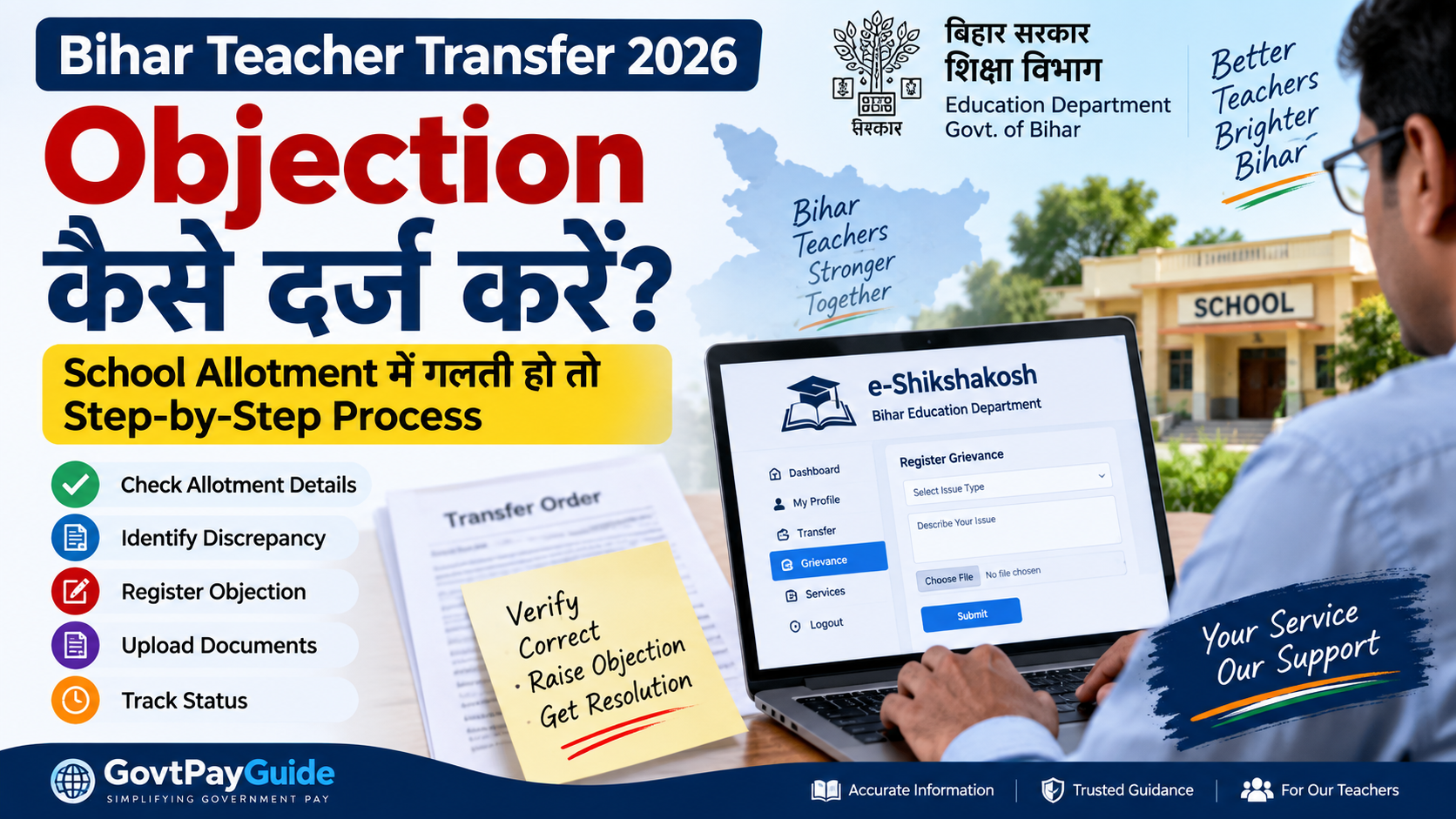
Bihar Teacher Transfer 2026 की प्रक्रिया के दौरान अगर किसी शिक्षक को provisional school allotment, transfer details या उपलब्ध teacher information में कोई गलती दिखाई देती है, तो उसे नजरअंदाज करने के बजाय संबंधित official process के अनुसार objection या grievance दर्ज करना महत्वपूर्ण हो सकता है।
Bihar Education Department ने 2026 में नई Bihar State Teacher Transfer Rules लागू की हैं। इसके बाद Standard Operating Procedure (SOP), probation से संबंधित relaxation और rules में subsequent amendment भी जारी किए गए हैं।
इस guide में हम समझेंगे कि transfer या school allotment में discrepancy दिखाई देने पर teacher को क्या check करना चाहिए, grievance/objection के लिए कैसे तैयार रहना चाहिए और किन official portals को follow करना चाहिए।
Bihar Teacher Transfer 2026: पहले Allotment Status Verify करें
किसी भी objection या complaint से पहले अपने transfer/allotment information को ध्यान से verify करें।
विशेष रूप से check करें:
- Teacher Name
- Teacher ID / Employee ID
- Current School
- Allotted School
- District
- Block
- Subject
- Teacher Category
- Transfer Status
- Available provisional/final status
- Preference details, जहां applicable हो
अगर इनमें कोई discrepancy दिखाई देती है, तो उसका screenshot या relevant document सुरक्षित रखना उपयोगी होगा।
Provisional School Allotment और Final Transfer Order में अंतर
यह सबसे महत्वपूर्ण बातों में से एक है।
अगर किसी district या portal पर school allotment को “Provisional” बताया गया है, तो उसे automatically final transfer/posting order नहीं समझना चाहिए।
Provisional information का उद्देश्य आगे verification, correction या administrative processing की गुंजाइश रखना हो सकता है।
इसलिए केवल provisional allotment देखकर relieving, joining या अन्य service-related decision नहीं लेना चाहिए।
Final action के लिए Education Department, competent authority या संबंधित official order को verify करें।
School Allotment में गलती हो तो क्या करें?
अगर displayed allotment या teacher information में संभावित गलती है, तो सबसे पहले यह identify करें कि discrepancy किस प्रकार की है।
उदाहरण:
- गलत school allotment
- गलत district/block
- teacher profile information mismatch
- subject/category mismatch
- preference से संबंधित issue
- transfer status गलत दिखाई देना
- eligible होने के बावजूद status में discrepancy
- portal data और official record में अंतर
इसके बाद संबंधित official objection/grievance facility या departmental instruction follow करें।
e-Shikshakosh पर Grievance कैसे Check करें?
Bihar Education Department का e-Shikshakosh portal teachers के लिए महत्वपूर्ण official digital platform है।
Official portal:
https://eshikshakosh.bihar.gov.in/
Teacher सामान्य रूप से अपने authorized login credentials के माध्यम से portal access करते हैं।
Portal login करने के बाद उपलब्ध menu/options में grievance, complaint या संबंधित transfer facility दिखाई दे तो उसी official workflow को follow करें।
Possible process:
- e-Shikshakosh official website खोलें।
- User Type में Teacher चुनें।
- अपना User ID और Password enter करें।
- Captcha complete करके login करें।
- उपलब्ध grievance/complaint/transfer related section check करें।
- संबंधित issue/category select करें।
- अपनी समस्या स्पष्ट और संक्षिप्त रूप में लिखें।
- जहां facility उपलब्ध हो वहां supporting document upload करें।
- Submit करने से पहले details दोबारा verify करें।
- Submission के बाद acknowledgement/reference number मिले तो उसे save करें।
Important: Portal interface और available options समय के साथ बदल सकते हैं। इसलिए screen पर दिखाई देने वाले latest official instructions को प्राथमिकता दें।
Objection में क्या लिखें?
Objection या grievance बहुत लंबा लिखने की जरूरत नहीं है।
Issue को factual और specific रखें।
Example:
“मेरे teacher profile में वर्तमान विद्यालय सही है, लेकिन provisional school allotment में allotted school/block की information गलत दिखाई दे रही है। कृपया संबंधित record की जांच कर आवश्यक correction करने की कृपा करें।”
इसके साथ Teacher ID, current school, displayed allotment और relevant supporting information देना उपयोगी हो सकता है।
कौन-कौन से Documents तैयार रखें?
Issue के आधार पर documents अलग हो सकते हैं।
फिर भी निम्न information/documents ready रखना उपयोगी है:
- Teacher ID / Employee ID
- Aadhaar या applicable identity document
- Current posting details
- Appointment/Posting document, जहां relevant हो
- Transfer application/reference details
- Preference details, यदि applicable हों
- Provisional allotment screenshot
- e-Shikshakosh profile screenshot
- Supporting departmental document
- Objection acknowledgement/reference number
केवल वही documents upload करें जो official portal/authority द्वारा मांगे जाएं।
Objection की Last Date क्या है?
यहां विशेष सावधानी जरूरी है।
Bihar Teacher Transfer 2026 के लिए सभी teachers और सभी districts पर लागू एक universal objection last date इस article में assume नहीं की जा रही है।
District-level provisional allotment, departmental notice या portal-based process में अलग-अलग timelines हो सकती हैं।
इसलिए latest deadline के लिए हमेशा check करें:
- Bihar Education Department
- e-Shikshakosh
- District Education Office notice
- संबंधित official transfer/allotment notice
Social media या WhatsApp पर circulate होने वाली तारीख को official confirmation के बिना final न मानें।
BPSC TRE-1, TRE-2 और TRE-3 Teachers के लिए क्या जरूरी है?
2026 transfer framework BPSC-appointed school teachers के लिए भी महत्वपूर्ण है, subject to applicable rules and conditions.
विशेष रूप से recent appointees के लिए probation condition महत्वपूर्ण थी।
Education Department की 28 July 2026 notification के अनुसार first transfer transaction के लिए संबंधित probation-period condition में relaxation दिया गया था।
इसलिए केवल यह मान लेना सही नहीं होगा कि probation में होने के कारण हर recent BPSC teacher automatically transfer process से बाहर है।
Individual eligibility और transfer status applicable official rules के अनुसार verify करना चाहिए।
Transfer Rules 2026 में क्या-क्या हुआ?
2026 में Bihar Education Department ने teacher transfer framework को formally update किया।
महत्वपूर्ण official developments:
- 25 June 2026 — Bihar State Teacher Transfer Rules, 2026
- 21 July 2026 — Rule 7 के तहत implementation SOP
- 28 July 2026 — first transfer transaction के लिए specified probation condition में relaxation
- 20 August 2026 — Bihar State Teacher Transfer (Amendment) Rules, 2026 में partial amendment
इसलिए पुराने transfer rules या पुराने social-media posts के आधार पर current process को judge नहीं करना चाहिए।
Objection Submit करने के बाद क्या करें?
अगर objection/grievance successfully submit हो जाता है, तो:
- acknowledgement save करें
- reference/grievance number note करें
- screenshot रखें
- portal status समय-समय पर check करें
- official notice monitor करें
- correction/final order आने से पहले unofficial claims पर निर्भर न रहें
एक ही issue के लिए unnecessary multiple submissions से बचें, जब तक authority ऐसा करने को न कहे।
School Allotment कैसे Check करें?
अगर आपको अभी school allotment या transfer status check करने की पूरी प्रक्रिया नहीं पता है, तो हमारी step-by-step guide पढ़ें:
https://www.govtpayindia.com/updates/bihar-teacher-transfer-list-2026-school-allotment-check
इसमें e-Shikshakosh पर school allotment, provisional status और important checks समझाए गए हैं।
Bihar BPSC Teacher Transfer Rules 2026
TRE-1, TRE-2 और TRE-3 teachers के लिए transfer rules, probation relaxation और latest process समझने के लिए यह guide पढ़ें:
https://www.govtpayindia.com/updates/bihar-bpsc-teacher-transfer-2026
What This Means for Bihar Teachers
2026 transfer system में teachers के लिए सबसे महत्वपूर्ण बात यह है कि portal पर दिखाई देने वाली information को final मानने से पहले उसका status समझें।
अगर allotment provisional है और उसमें कोई genuine discrepancy है, तो available official objection/grievance mechanism का समय पर उपयोग करें।
Teacher को तीन चीजें जरूर सुरक्षित रखनी चाहिए:
- Original transfer/application information
- Displayed allotment/status का screenshot
- Submitted objection/grievance का acknowledgement
इससे बाद में discrepancy explain करना आसान हो सकता है।
Frequently Asked Questions
Bihar Teacher Transfer 2026 में school allotment गलत हो तो क्या करें?
सबसे पहले displayed information और अपने official records को compare करें। Genuine discrepancy होने पर संबंधित official grievance/objection mechanism और Education Department के latest instructions follow करें।
क्या provisional school allotment final transfer order है?
जरूरी नहीं। अगर allotment को provisional बताया गया है तो final order/confirmation आने तक उसे final posting order नहीं मानना चाहिए।
क्या e-Shikshakosh पर grievance दर्ज की जा सकती है?
Bihar Education Department ने e-Shikshakosh teacher login के माध्यम से grievance registration facility के उपयोग से संबंधित official instructions जारी किए हैं। Current transfer-related option उपलब्ध है या नहीं, login के बाद latest portal interface और departmental instruction से verify करें।
Bihar Teacher Transfer objection की last date क्या है?
एक statewide universal deadline assume न करें। संबंधित district notice, Education Department notification या e-Shikshakosh पर दिखाई देने वाली latest official deadline check करें।
क्या BPSC TRE-3 teacher transfer process में शामिल हो सकता है?
Eligibility applicable transfer rules और departmental conditions पर निर्भर करेगी। 28 July 2026 notification ने first transfer transaction के लिए specified probation condition में relaxation दिया था। अपने individual status को official portal/order से verify करें।
Objection submit करने के बाद क्या करना चाहिए?
Acknowledgement/reference number save करें और portal तथा official departmental notices पर status monitor करें।
Official Sources
Bihar Education Department:
https://betastate.bihar.gov.in/educationbihar/
Bihar Education Department – Secondary Education Notifications:
https://betastate.bihar.gov.in/educationbihar/DyPageView?PageTitleID=1282
e-Shikshakosh:
https://eshikshakosh.bihar.gov.in/
Disclaimer
GovtPayGuide is an independent informational website and is not affiliated with the Government of Bihar, Bihar Education Department, BPSC or e-Shikshakosh.
This article is intended only to explain publicly available government information in simple language. Transfer rules, portal options, objection windows, deadlines and administrative instructions may be updated by the competent authority.
Teachers should verify the latest notification, portal information and official departmental instructions before taking any service-related action.